The panel by the door
Everything off, front door locked, alarm set — one press on the way out.
Features Home Assistant
The lights should not go through a data centre to come on. Mirra talks to Home Assistant directly, on your LAN.
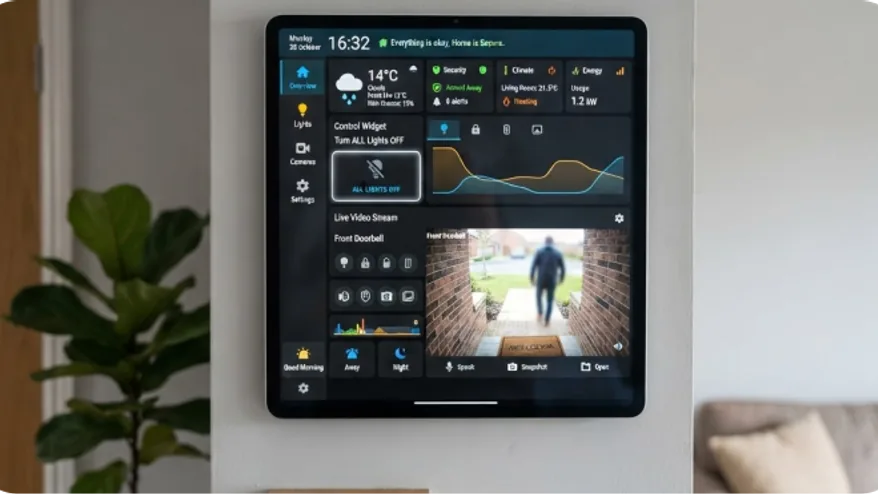
The screen holds your Home Assistant address and token and speaks to it directly. Commands do not leave the house, latency is a few milliseconds, and if your broadband drops the lights still work.
Show a temperature, a door state or a camera; add a button, a toggle or a slider and use it. Widgets know which entities they can sensibly drive, so a picker will not offer to put a brightness slider on a door sensor.
Everything off, front door locked, alarm set — one press on the way out.
Temperature upstairs, whether the garage is shut, and whether anyone left the immersion on.
No, and you should not. The screen reaches it on your own network.
Lights, switches, locks, climate, sensors, covers and cameras among others, with the picker filtering to what each widget can actually drive.
Those widgets show as unavailable and everything else on the wall carries on.
Start free on one screen. No card until you add a second.