The living room, most of the time
A rotating exhibition rather than a black rectangle above the fireplace.
Features Art
Anything can cycle through pictures. A screen that knows the weather, the light in the room and who walked in can choose which picture belongs there now — and tell you about it when you ask.
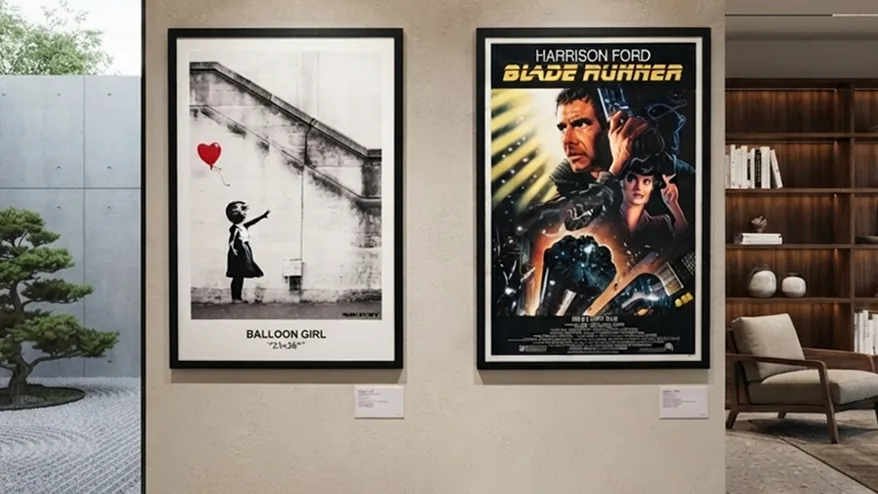
Work is fitted rather than cropped, with a mat filling the space around it, because cutting the edges off a painting to fill a rectangle is what makes a digital frame look cheap. Slow movement keeps a static image from sitting on the same pixels for hours.
Art can follow the weather and the time of day, favouring work whose palette suits a grey afternoon or a bright morning. The lights can be matched to the picture too — a light strip is lit along the painting, blue at one end and gold at the other, and an ordinary bulb takes its strongest colour. Works with Home Assistant, with WLED, or with both at once.
With the assistant enabled you can ask about the piece in front of you and get the artist, the period and the story, spoken aloud — the part a printed label never manages.
A rotating exhibition rather than a black rectangle above the fireplace.
Upload an album and let it run as an exhibition, with the same care given to framing.
Open-access museum collections, with the credit line and licence shown alongside each work.
Yes. Upload an album and it is treated exactly like a collection.
Slow movement means no pixel holds a value for long. Schedule the panel off overnight if it is somewhere it is never seen.
Start free on one screen. No card until you add a second.