The school run
Tomorrow's clubs, kit and pick-ups visible at breakfast, without anybody unlocking a phone.
Features Calendars
A shared calendar that lives behind a login is a calendar half the household never reads. On a wall, it is simply true.
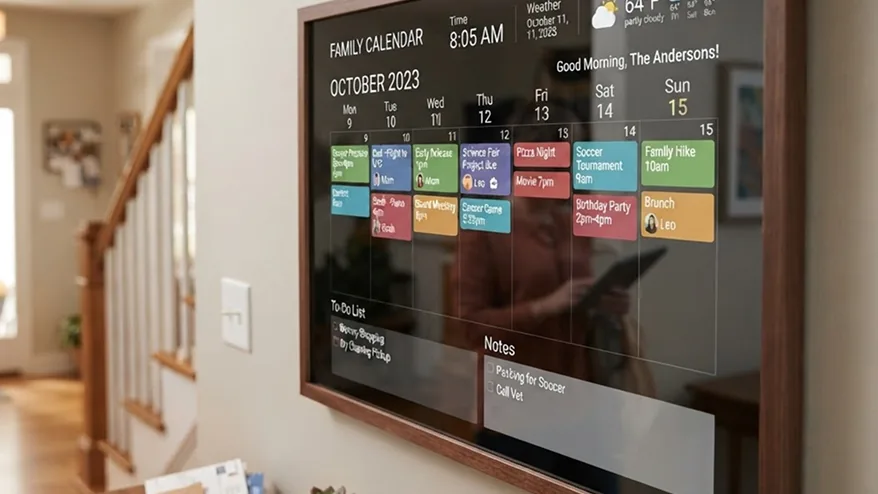
Connect Google or Outlook with a sign-in, or paste the iCal link from iCloud or anything else that publishes one. Several calendars merge into one view, each keeping its own colour so you can still tell whose is whose.
An agenda for what is next, a week for planning, a month for the shape of the term. Put more than one on the same wall if that is what the household needs — a month for the fridge and today's agenda by the door.
Tomorrow's clubs, kit and pick-ups visible at breakfast, without anybody unlocking a phone.
Both work calendars merged, so who is where is settled at a glance rather than by text message.
Yes. Connect as many as you like; they merge into one view and keep their own colours.
No. The connection is yours, the events are fetched for your screens, and nothing is shared with other accounts.
Within minutes of a change, and immediately when the screen refreshes its configuration.
Start free on one screen. No card until you add a second.